
Patients who understand their options before you walk in.
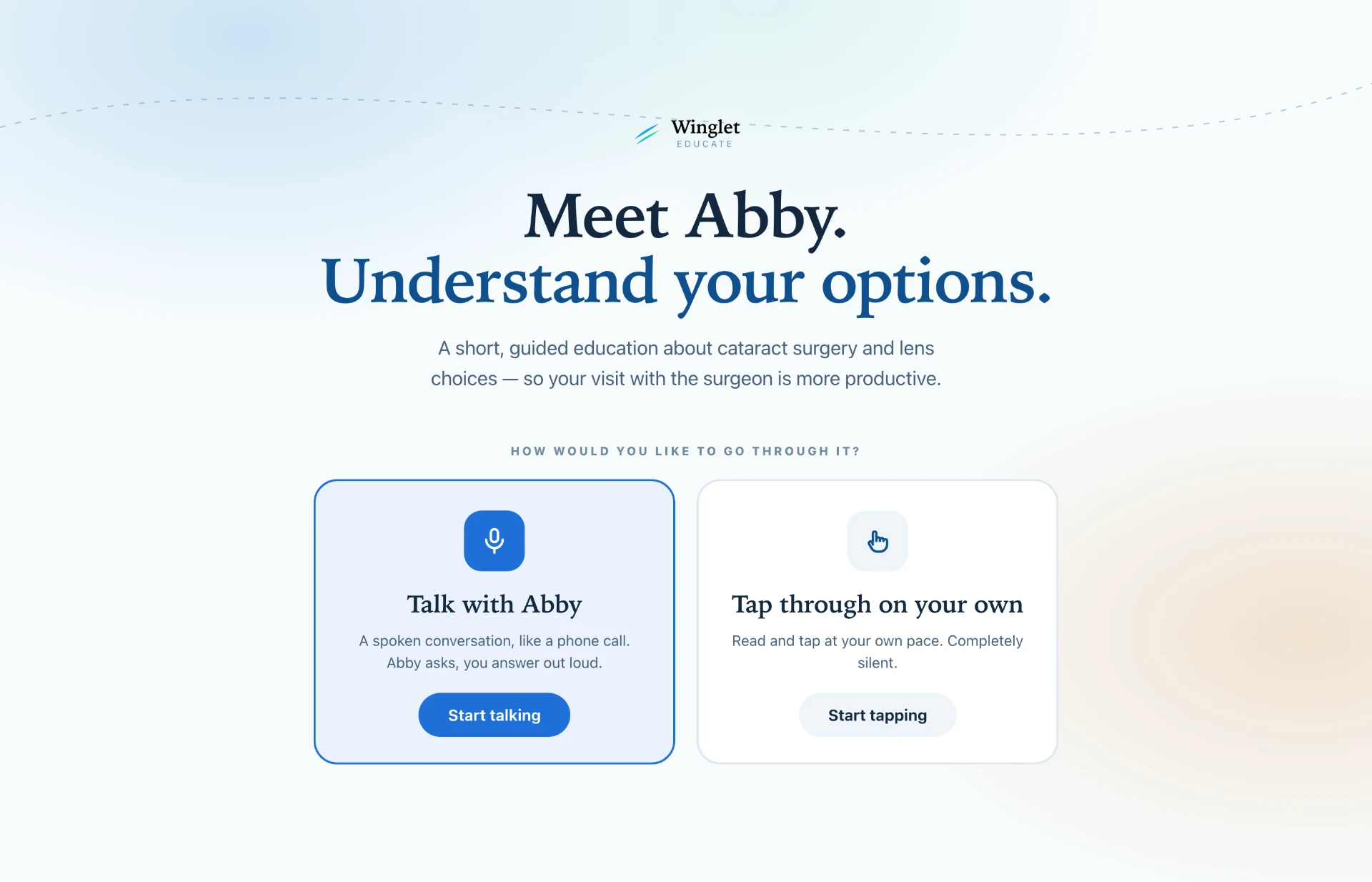
Winglet Educate runs on a tablet in your waiting room. Patients explore what matters to them — by voice or by touch — and arrive at your chair already understanding the lens choices ahead of them. It never diagnoses and never decides candidacy. It gets them ready for you.
For the exam room and the waiting chair
Built for the waiting chair
Three quiet minutes before the consult. No app to download, no account to create — a tablet on the counter and a patient who is ready.
Voice or touch
Patients talk with Abby like a phone call, or tap through in complete silence. Same guided path either way, so it works in a private room or a shared waiting area.
Questions they can picture
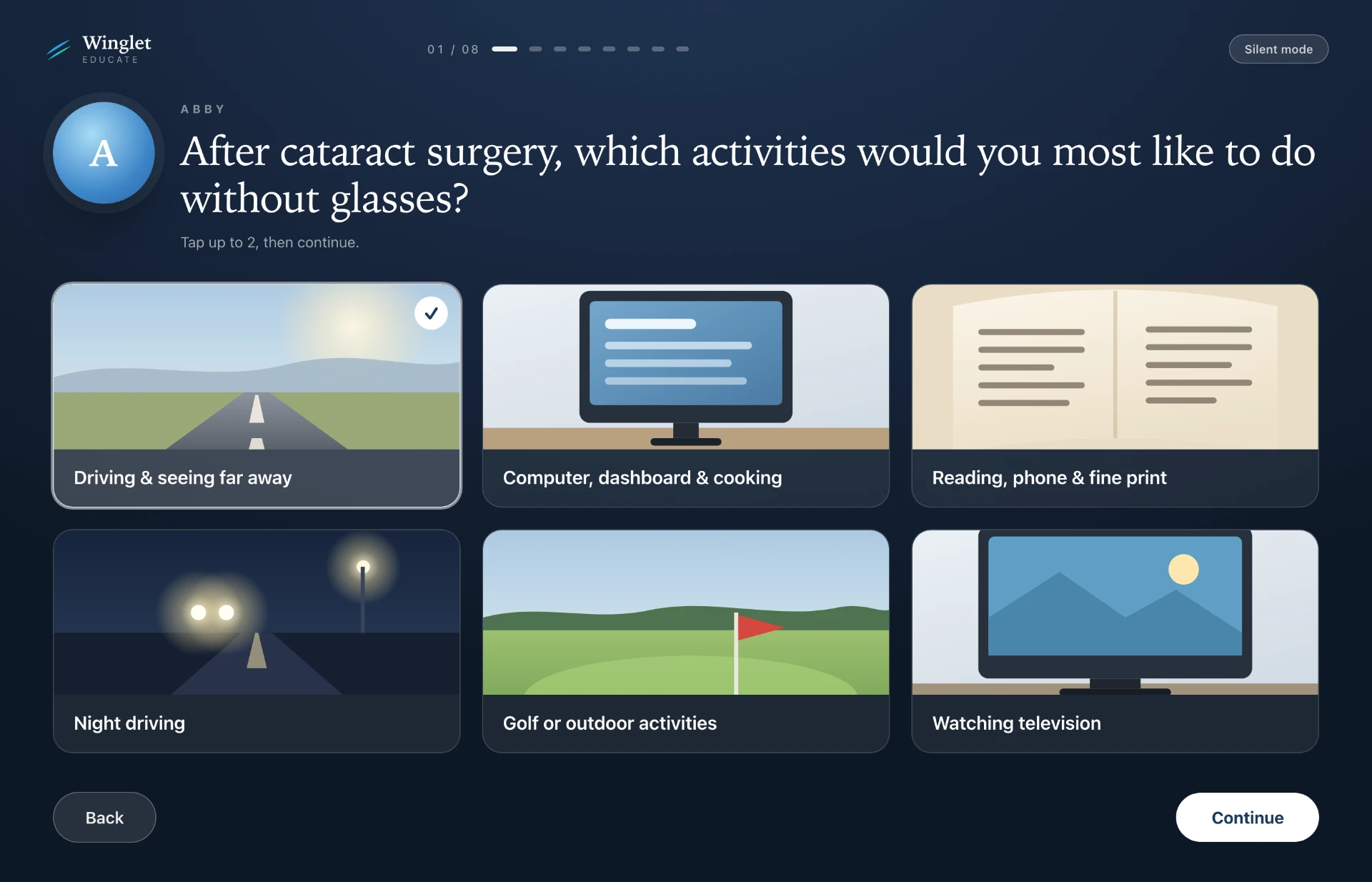
Night driving, reading fine print, glare and halos, prior LASIK, monovision — asked in plain language with real-world images instead of clinical jargon.
Two options, never a decision
They leave with two lens options worth discussing and the honest tradeoffs for each. You stay the one who decides.
The quiet path
Tap through the same questions in silence.
Patients who'd rather not speak can tap instead. Abby asks in plain language — night driving, reading fine print, glare and halos — with real-world images instead of clinical jargon. The same guided path either way.
The spoken path
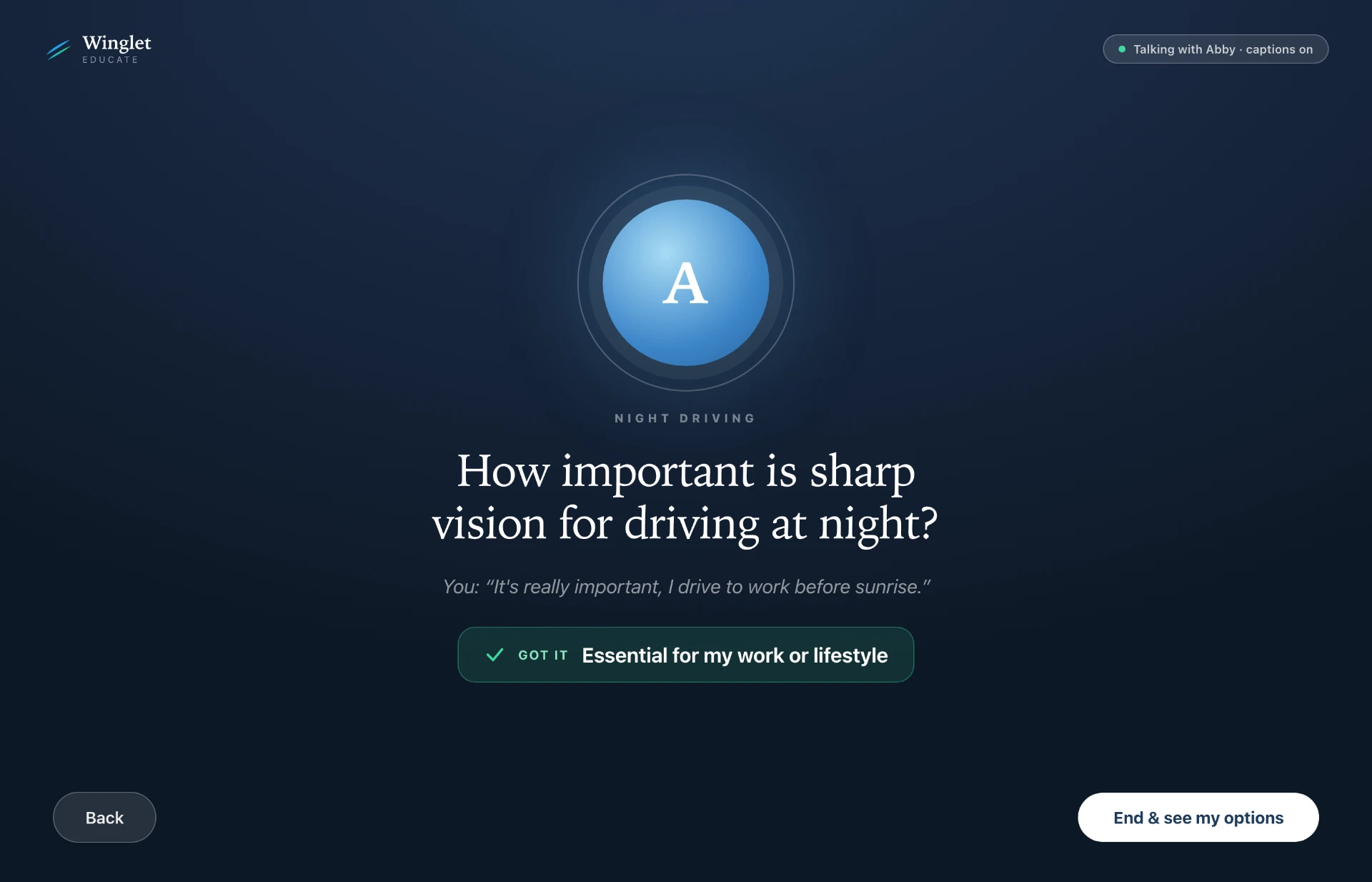
Or talk with Abby like a phone call.
Patients who'd rather talk hold a spoken conversation. Abby asks, they answer out loud, and the transcript stays on screen so nothing is lost. Same questions, same destination.
Built inside ophthalmology
Safe to put in front of a patient
Winglet Educate is education, not decision support. It keeps the surgeon in charge and keeps patient data out of the tablet.
Education only
It does not diagnose, does not determine candidacy, and does not recommend a lens. Every screen points back to the surgeon.
Transparent logic
The scoring is deterministic and clinician-reviewed — written down and auditable, not a black box.
Nothing stored
No patient information and no conversation is retained. Runs on a practice tablet over your existing internet.
What they leave with
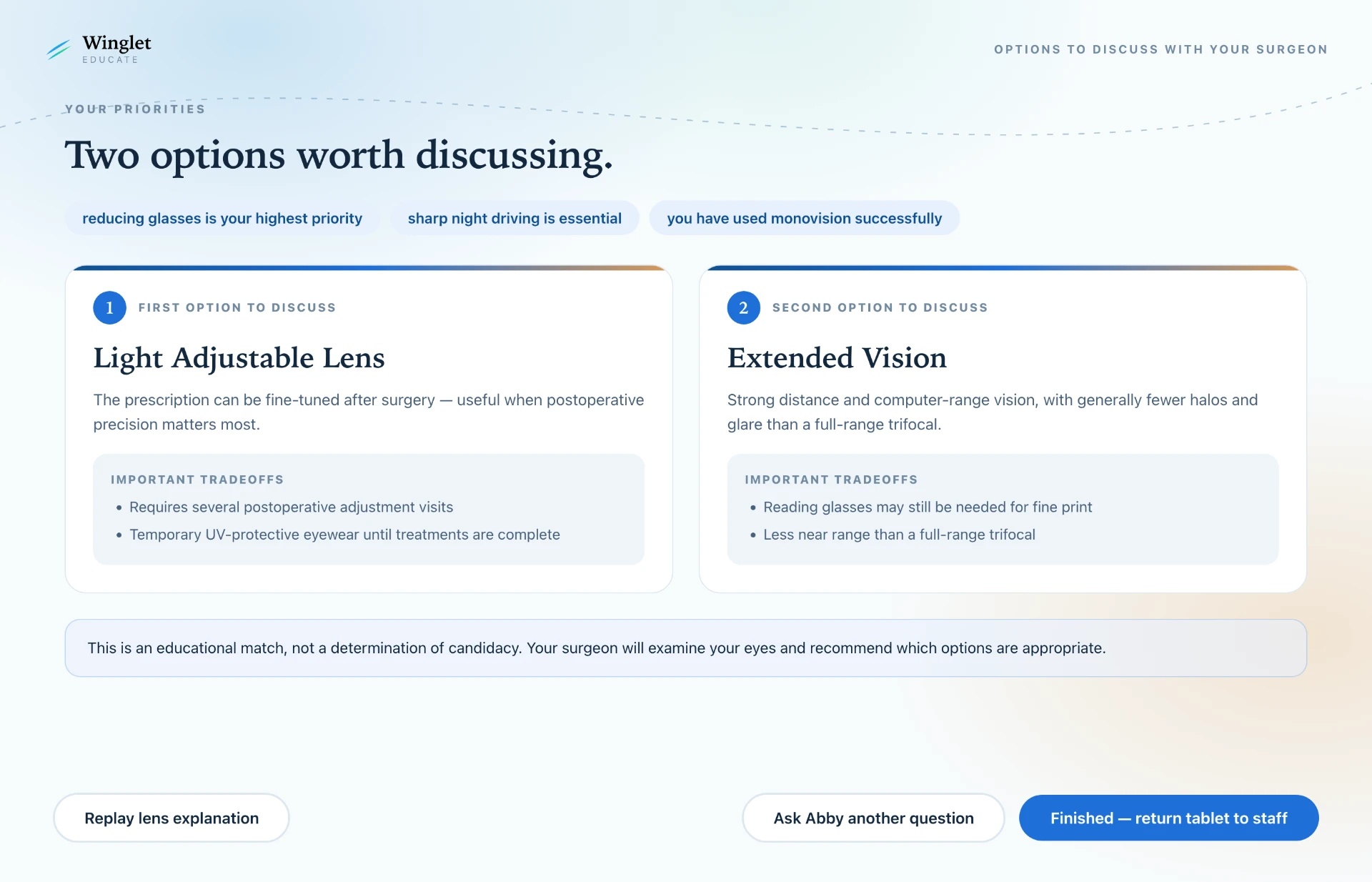
Two lens options, and the honest tradeoffs.
After the conversation, patients see two lens options worth discussing — with the tradeoffs for each spelled out plainly. They arrive at your chair ready to talk, not starting from zero.
See Winglet Educate in action.
Book a walkthrough, or try it in your own waiting room for a month.